Deal your palette. Shape your architecture. Export your AI blueprint.
The structured visual design prompt generator for modern AI & web development. Lock in your brand's colors, typography, UI architecture, navigation, photography, and publication layouts to generate an executable master design blueprint ready for Antigravity, Astro, Cursor, or Claude Code.
AI coding tools produce disjointed, generic templates without strict design constraints. The Shuffle establishes unbreakable visual rules across all 6 core design pillars.
Intelligent Ingestion
Scrape brand colors and logos directly from any live URL with AI vision. Upload vector logos (SVG, PNG, EPS, AI with automated conversion), describe your brand with AI, or Bring Your Own Colors (BYOC).
URL Vision ScraperEPS & AI VectorBYOC Engine
Color Architecture
Battle-test 24 curated palettes across Light and Dark themes in King of the Hill elimination. Tweak any swatch in real-time with integrated color pickers, verified by automated WCAG AA contrast auditing.
24 Thematic PalettesWCAG AA ContrastLive Swatch Tweaks
Typography Studio
Start with Serif vs. Sans. Compare 30 curated pairings in dynamic in-card UI mockups styled with your active colors, or search 1,700+ Google Fonts with granular weight controls.
Serif & Sans Pre-Filter1,700+ Google FontsGranular Weights
UI & Nav Architecture
Standardized comparison of 7 UI archetypes (Minimalist, Soft, Brutalist, Enterprise, Editorial, Neomorphic, Retro 90s) plus 12 responsive navigation layouts (Floating Island, Sticky, Mega-Menu, Dock, Utility).
7 UI Archetypes12 Navigation StylesStandardized Form Knobs
Publication Architecture
Move far beyond single-card teasers. Select from 5 complete publication systems with paired specifications for both your Archive Feed (archive.php) and Single Post article reader (single.php).
5 Publication SystemsArchive Feed (archive.php)Single Post (single.php)
3D Previews & AI Export
Inspect your locked tokens inside realistic 16:10 desktop and 9:19.5 smartphone frames with 3D isometric tilt. Export production-grade Markdown and JSON tokens, or send shareable client review links with pre-rendered social cards.
A fast, distraction-free King of the Hill elimination tournament. Make intuitive choices step-by-step to lock down a production-grade visual design prompt.
Step 01·Brand Onboarding
Extract, Upload, or Deal
Discover your brand's true colors. Extract brand colors and visual logos directly from any live URL using AI vision, upload vector logos (SVG, PNG, EPS, AI with automated conversion), describe your brand with AI, or battle-test 24 curated palettes in our King of the Hill elimination deck. Fine-tune any swatch in real-time with integrated color pickers, backed by automated WCAG AA contrast ratio validation.
URL Vision ScraperVector EPS/AI Converter33 Curated PalettesWCAG AA Contrast Check
Step 02·Typography Architecture
Serif or Sans? Google Fonts Studio
Typography defines your voice and credibility. Start with a vibe check: decide whether your brand leans toward the timeless authority of a serif or the modern clarity of a sans-serif. Compare 30 curated pairings in dynamic in-card UI mockups styled with your active colors, or search 1,700+ Google Fonts with granular font weight controls.
Serif vs. Sans Vibe Filter30 Curated Pairings1,700+ Google FontsIn-Card UI Mockup
Step 03·Interface Geometry
Shape Your UI & Interface Rules
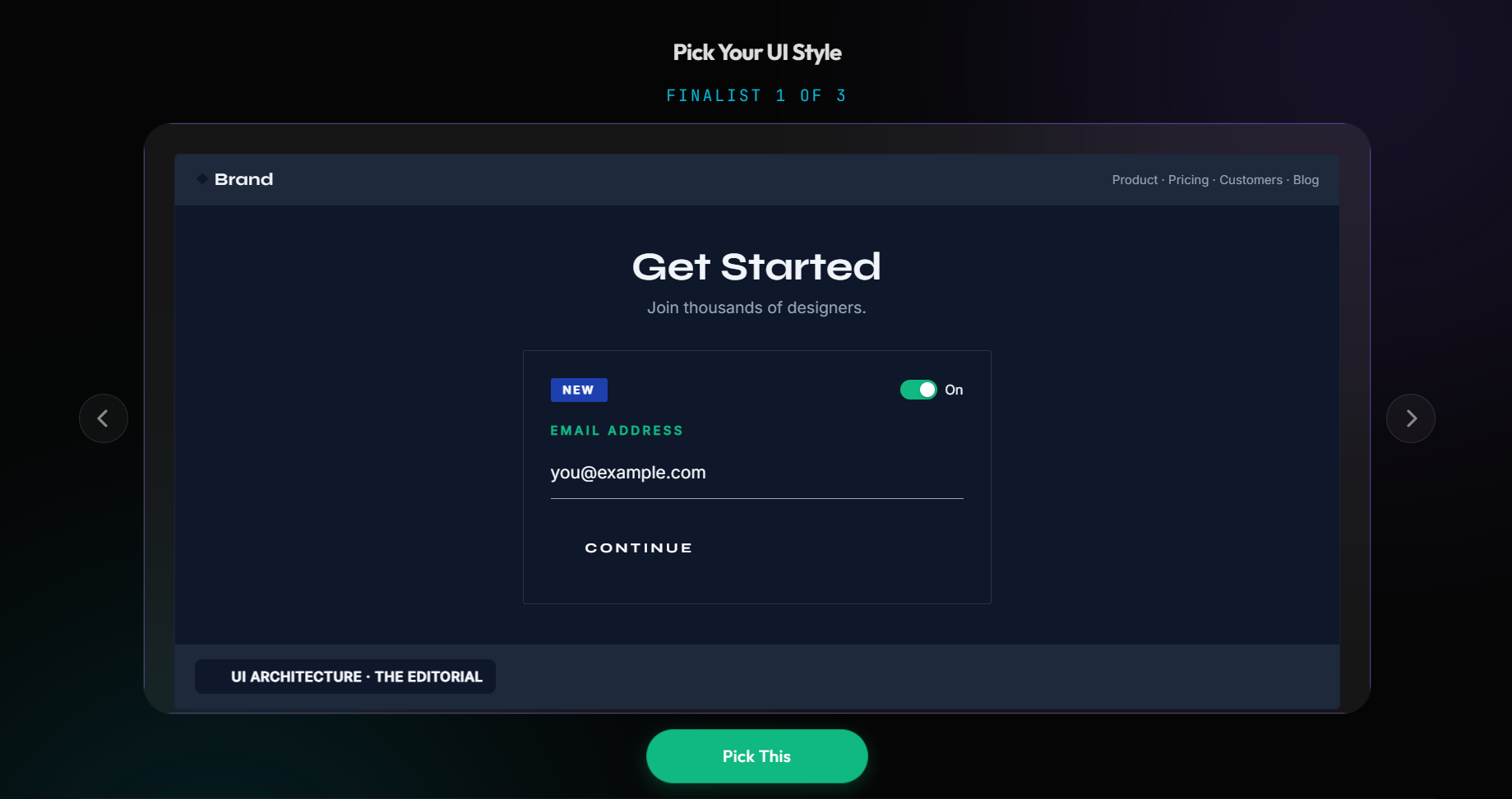
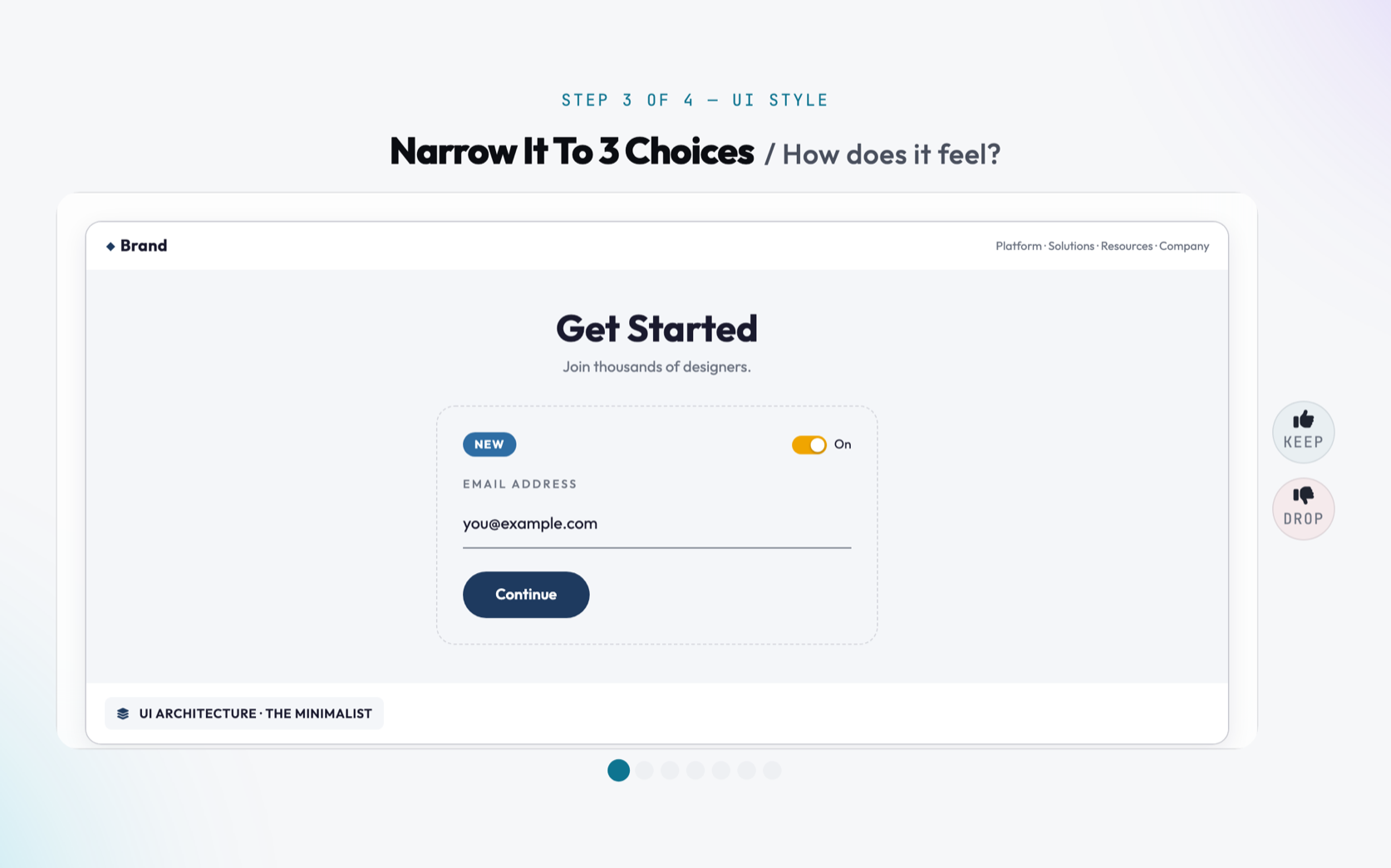
Buttons, corner radii, borders, and shadows. Test your locked colors and fonts against 7 distinct architectural styles—from stark Brutalist lines and soft Neomorphic pillows to Enterprise data tables and Retro 90s stampy buttons. All styles are rendered with standardized form copy for true apples-to-apples visual comparison.
Navigation anchors user orientation, site credibility, and conversion paths. Select from 12 conversion-tested navigation archetypes engineered for modern web applications: The Floating Island (detached rounded glass capsule), The Classic Sticky (universal SaaS edge-to-edge standard), The Multi-Column Mega-Menu (8+ pages with promo cards), The Vertical Sidebar Dock (web apps & dashboards), The Two-Tier Utility (enterprise announcement & portal bar), or The Fullscreen Minimalist (cinematic editorial takeover). Every style automatically adapts to mobile touchscreens.
12 Responsive Nav StylesFloating Island & StickyMega-Menu & Sidebar DockMobile Touch Responsive
Navigation Patterns
6 Layout Models
ChronicleFloating Island
FeaturesArchiveChangelog
Join
ACME // CORPClassic Sticky
SolutionsPricingDocs
Sign inGet Demo
Enterprise Cloud Portal
Status: OperationalClient Login →
Apex FinancialTwo-Tier Utility
Mega-Menu
Sidebar Dock
Fullscreen Overlay
Step 05·Visual Mood & Tone
Set the Scene with Photography Direction
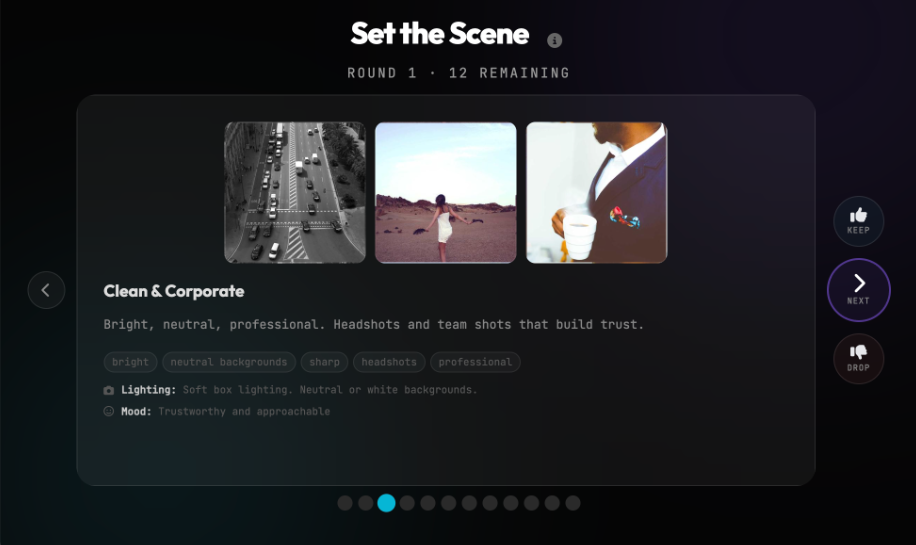
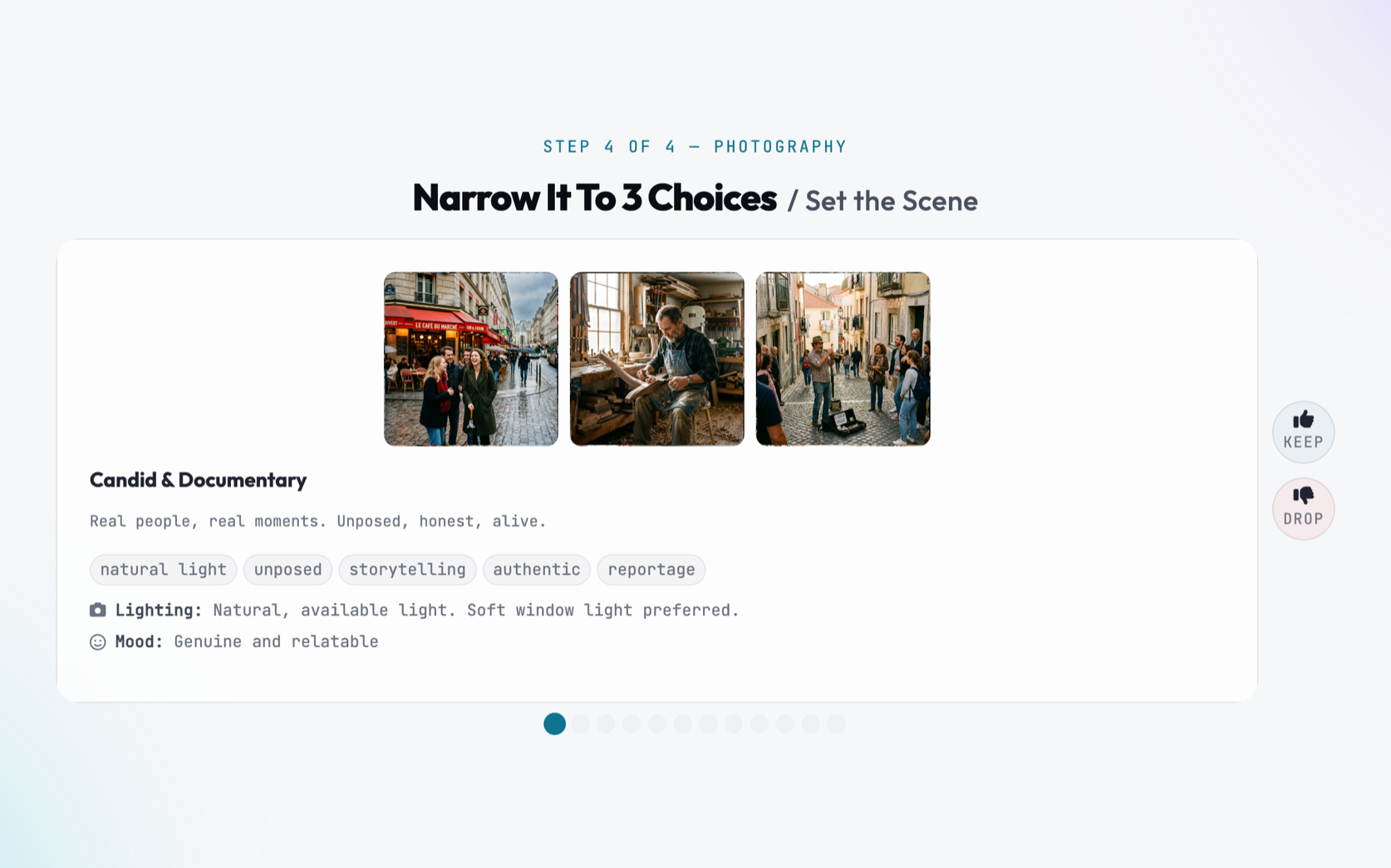
A picture sets the emotional temperature before a visitor reads a single word. Pick from 12 curated visual aesthetics—such as Dark & Cinematic, High-End Editorial, Minimalist Architectural, Warm Vintage, Clean Corporate, Macro Textural, or Drone Aerial. Each direction establishes clear rules for lighting (ambient glow, high-key, chiaroscuro), mood, and composition so all your photography and generative imagery feels harmoniously on-brand.
Real brands publish content. Rather than leaving articles as an afterthought, The Shuffle includes 5 full-scale publication architectures: The Editorial Magazine (720px centered reading column with drop caps and pull quotes), The Tech & Dev Blog (monospace version tags, sticky Table of Contents, syntax-highlighted code blocks), The Bento Grid (visual masonry with category chips), The Minimalist Newsletter (clean Substack-style reading flow with subscribe box), and The Resource Hub (multi-tier filtering, search, and downloadable guides). Every publication ships paired specifications for both your Archive Feed (archive.php) and Single Post article reader (single.php).
Experience your complete design system before you seal your choices. The Shuffle renders your selected palette, typography, UI architecture, navigation, and publication layouts live inside a 16:10 desktop browser frame and a 9:19.5 smartphone bezel with interactive 3D isometric tilt and hover-flattening. Toggle effortlessly between Landing Page, Blog Archive Feed, and Single Post reader views to evaluate responsive behavior. Need a small adjustment? The Fine-Tune Studio gives you granular control to tweak any hex code, font weight, corner radius, or shadow before exporting.
16:10 Desktop Browser Bezel9:19.5 Smartphone FrameInteractive 3D Isometric TiltFine-Tune Workshop
Device Simulation Studio
LandingArchiveSingle Post
app.chronicle.com
Chronicle.
FeaturesBlogDeploy
AUTONOMOUS GENERATION
Design tokens compile directly into production code.
WCAG AA
Contrast 10.4:1
• 3D Interactive Isometric TiltSwitch pages live →
Step 08·Delivery & Handoff
Export Your Production-Ready AI Blueprint
Lock in your design decisions with confidence. Export an exhaustive Master Design Blueprint in structured Markdown and JSON format. Feed it directly into modern AI tools like Claude Code, Antigravity, Cursor, Astro, or v0 to build a pixel-perfect, cohesive site on the very first try with zero hallucinated colors or broken contrast. Need stakeholder or client approval? Generate an instant public Client Share Link (/share/[token]) with 3D device previews and pre-rendered social unfurl cards.
Prompting an LLM with "make it modern and clean" produces chaotic, unbranded websites. The Shuffle enforces strict boundaries so your AI build is cohesive on the first try.
Without The Shuffle · Generic AI Slop
Prompting in the Dark
Colors drift between pages; low contrast makes text unreadable.
Fonts clash; body text and headings compete with random sizing.
UI buttons and cards have conflicting radii, shadows, and borders.
Blog and publication layouts are generic 1-card teaser stubs.
Hours wasted re-prompting and fixing broken CSS layouts.
With The Shuffle · Master Blueprint
Deterministic Precision
Explicit CSS variables for primary, secondary, accent, surface, and text.
Automated WCAG AA contrast ratio compliance verified beforehand.
Standardized Google Font scale with verified weights and line heights.
Concrete UI rules for borders, shadows, corner radii, and button shapes.
Complete publication architecture: Archive Feeds and Single Post readers.
Single-shot prompt execution in Antigravity, Astro, Cursor, or Claude Code.
The Clockwork Ecosystem
From concept to a live site in three phases
The Shuffle is the essential first phase of the Clockwork web platform. Lock in your visual rules here, generate your copy in Clairvoyance, and let Clockwork build the site.
Active Now
Phase 1 · You are here
Look & Feel
Lock in your colors, typography, UI architecture, navigation, blog layout, and photography direction as an executable design blueprint.
The ShuffleReady in ~5 min →
Phase 2
Create Content
A guided AI conversation that turns what you know about your business into production-ready copywriting for every page—tailored to your design blueprint.
ClairvoyanceAutomatic Handoff
Phase 3
Build & Launch
Clockwork combines your design blueprint and content into a high-performance, modern Astro website—complete with responsive styling, SEO, and analytics.
The RevealLive Deployment
Got Questions?
Frequently Asked Questions
Everything you need to know about The Shuffle and design blueprints.
What is a Master Design Blueprint?
A Master Design Blueprint is an executable prompt formatted in Markdown and JSON. It includes exact CSS custom property definitions for your palette, typography scale, Google Font imports, UI button and border styles, navigation architecture, publication templates, and photography mood directives. You can feed it directly into AI coding assistants like Cursor, Claude Code, or Antigravity to guarantee visual consistency.
Can I extract colors from my existing website or logo?
Yes! You can enter any website URL, and our AI vision system will locate your brand logo and extract the true visual palette. You can also upload your logo directly—we support SVG, transparent PNG, JPG, and GIF, plus automated vector conversion for Adobe Illustrator (.ai) and Encapsulated PostScript (.eps) files.
Can I use custom Google Fonts or fine-tune weights?
Yes. While The Shuffle ships with 30 battle-tested, curated pairings (including Pro Mixed pairs), you can also search our Google Fonts Studio covering 1,700+ Google Fonts and customize heading and body weights from 100 through 900.
How does the publication & blog architecture work?
Instead of generating single mock articles, The Shuffle defines paired publishing systems across 5 distinct styles (Editorial Magazine, Tech Changelog, Bento Grid, Minimalist Newsletter, and Resource Hub). Each style includes full specifications for both the Archive Feed (archive.php with search, topic pills with counts, and lead dispatches) and the Single Post reader (single.php with drop caps, key takeaways, and author bio cards).
How do Client Share Links work?
Once your blueprint is complete, you can generate a clean public share link (/share/[token]) to send to clients, stakeholders, or teammates. It displays realistic 3D desktop and mobile previews with your active brand assets, accompanied by pre-rendered social unfurl cards for Slack, Twitter/X, and LinkedIn.
Is The Shuffle free?
Yes! The entire tournament, preview studio, fine-tune controls, and master blueprint export are 100% free with an email address. There are no credit cards required and no trial periods.
Launch Your Design System
Stop guessing. Start shuffling.
Lock in your colors, typography, UI architecture, navigation, and publication layouts in under 5 minutes. Receive an executable design blueprint ready for any AI or modern web stack.
Free with email · No credit card required · Export Markdown & JSON
The Shuffle
How it works
Welcome to The Shuffle. To get a truly professional website, you need clear design rules, and that's what this builds. You'll lock in your brand's colors, fonts, UI style, navigation, publication architecture, and photography, and we'll turn your picks into an executable master design blueprint. Take it to any AI tool, or keep going with Clockwork: Clairvoyance gathers your content, and The Reveal builds your site from both.
The Shuffle
Welcome back
Looks like you started a design already — in progress.
Setup
Clockwork Web Dev, LLC
The Shuffle
Before we begin, how would you like to be guided?
Do you want audio instructions?
Instructions
Your brand, built from scratch in six steps.
We'll show you options, and you vote thumbs up or thumbs down until your perfect blueprint remains.
1
Color Palette
Pick the foundational colors that match your brand's vibe.
2
Typography
Select a font pairing that speaks in your brand's voice.
3
UI Architecture
Choose the shape of your buttons, cards, and form inputs.
4
Navigation Architecture
Choose how visitors navigate your header and menu structure.
5
Photography Direction
Define the visual style and mood of your images.
6
Blog & Publication Layout
Select article layouts and publication formats for your content.
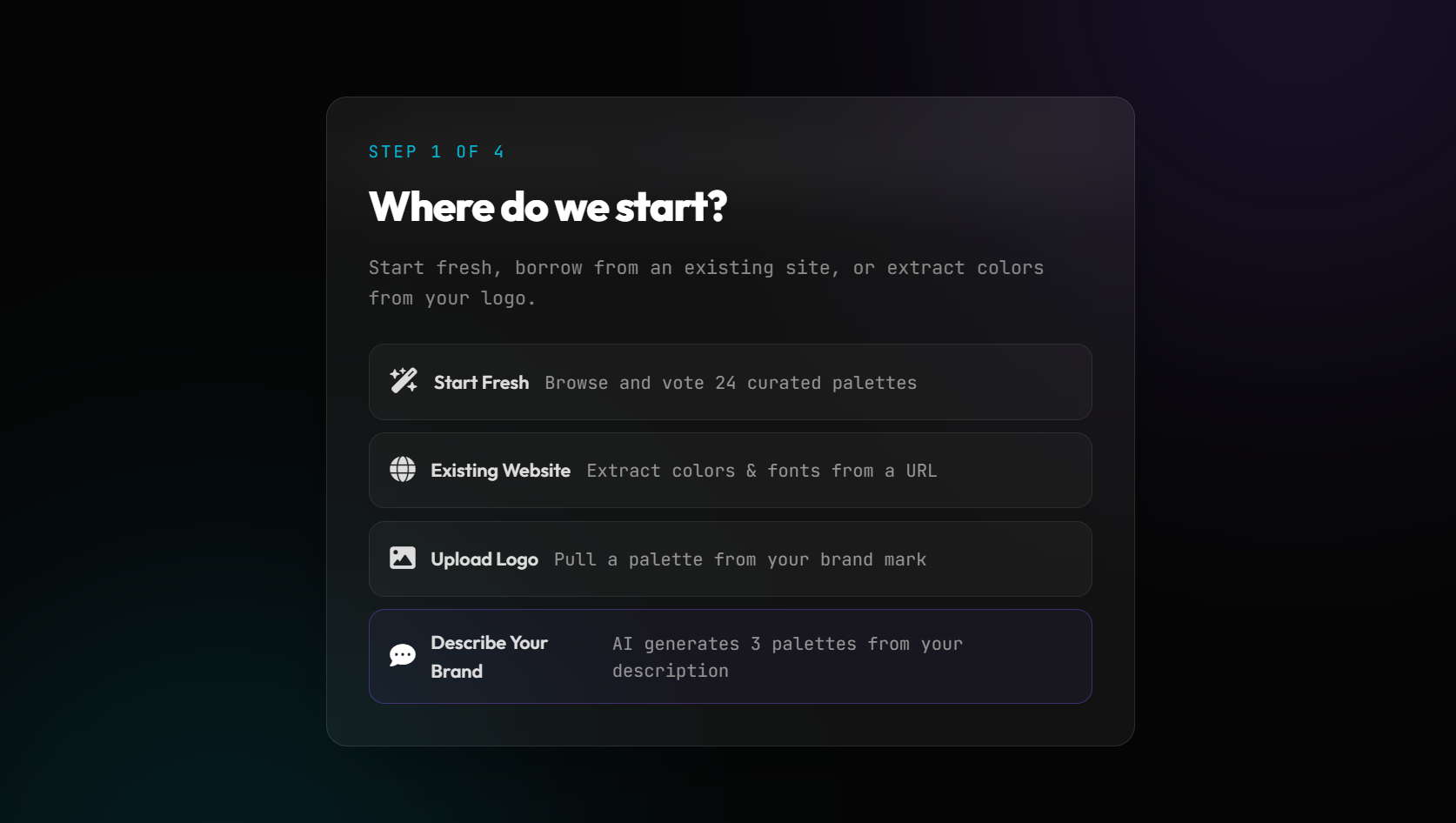
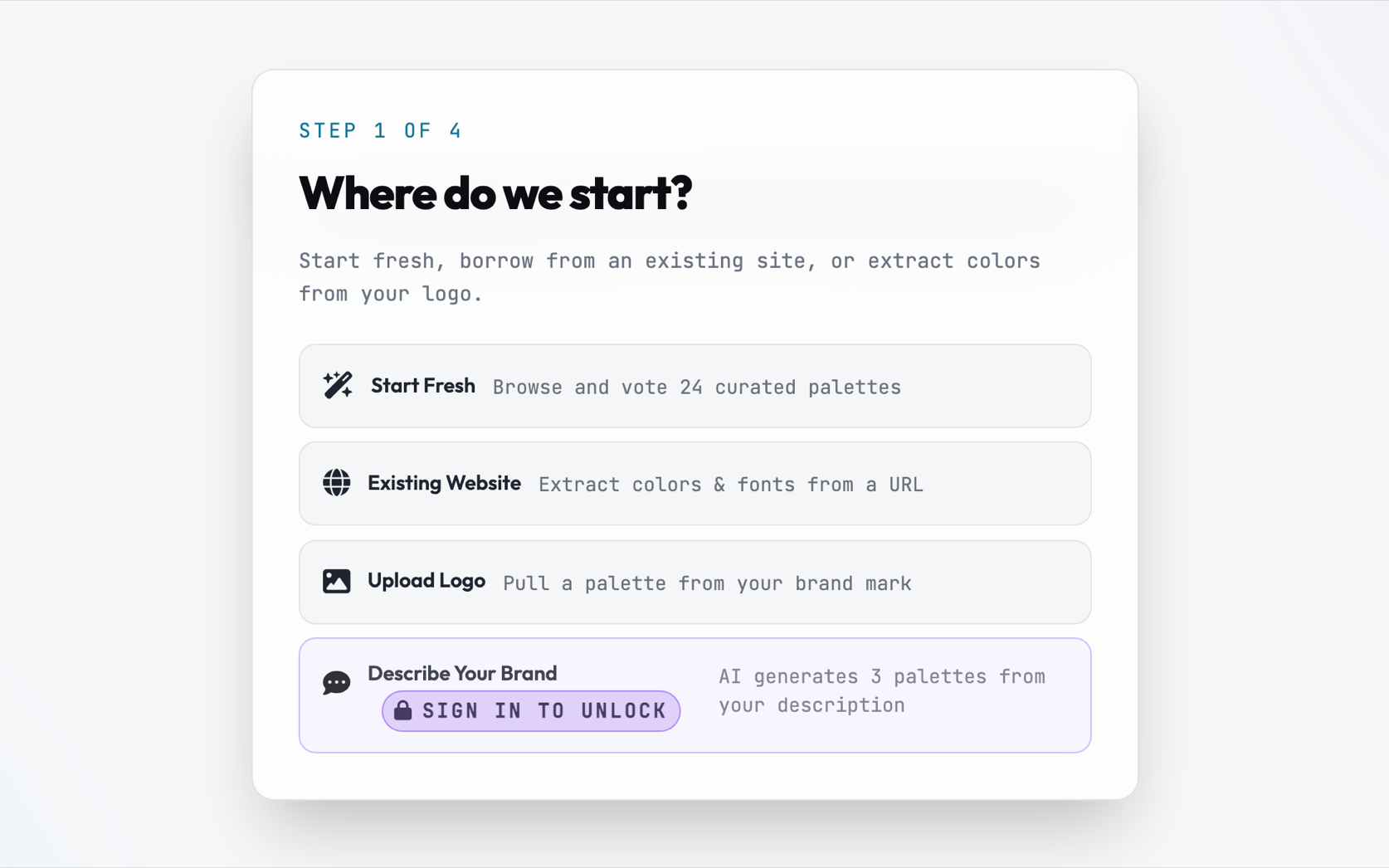
Step 1 of 6
Where do we start?
Start fresh, borrow from an existing site, or extract colors from your logo.
We hate spam too. We never sell your info.
AI extraction requires a free account to prevent bot abuse. We won't flood your inbox, we won't be annoying, and we never sell our list — we're just real people building tools, not a huge corporation.
Tell Claude what your business is and what feeling you want. You'll get three palettes to choose from. The winner seeds the palette tournament.
0 / 500
Theme:
Existing Site
Drop the URL
We'll extract the color palette and fonts automatically.
Brand Identity
Drop in your logo
Upload your logo to preview it live in your site mockups and extract your brand colors.
Drag & drop your logo here, or browse
SVG, PNG, AI, EPS, or PDF recommended
Converting vector artwork...Rendering 300 DPI transparent layer • (in development, adding features regularly)
Preview on:
SVG format detected — perfect native transparency.
Solid Background Detected
A logo with a solid white background (unless the logo is intentionally a rectangle) won't look good on site navigation bars and dark themes — it will appear as an uncropped solid box.
For the cleanest look in your live preview, an SVG or PNG with transparency is strongly recommended.
Extracted · Step 2
Light or Dark?
We'll build 3 layouts around your brand colors in the theme you pick.
Extracted · Step 3
Pick a layout
Light variations
Extracted Palette
Tweak the brand colors
We pulled every distinct color we found from your assets. Swap in any of them per role, fine-tune with the picker, or rotate, then continue.
Step 0
Light or Dark?
Filter the palette deck before the tournament starts.
Step 0.5 — Optional
Any colors calling to you?
Pick as many as you like and we'll surface matching palettes first — or skip and see everything.
Tournament Mode
King of the Hill
Head-to-head duels. Keep one, drop the other. Last one standing wins.
Step 1 of 6 — Color Palette
Narrow It To 3 Choices / Deal Your Palette
Everything eliminated!
Pick Your Palette
Finalist 1 of 3
Select your winner to continue
Step 1 of 6 — Color Palette
King of the Hill/ Last One Standing
Round 1
First up
VS
Challenger
← keep left · → keep right · Z to undo
Last one standing
This is the one you liked the most.
You ran – duels to get here.
Step 1 of 6 — Color Palette
Every Palette, One Screen
Click the one you want. No elimination, no duels.
Step 1.5 — Typography Filter
Serif or Sans?
Filter the type deck before the tournament starts.
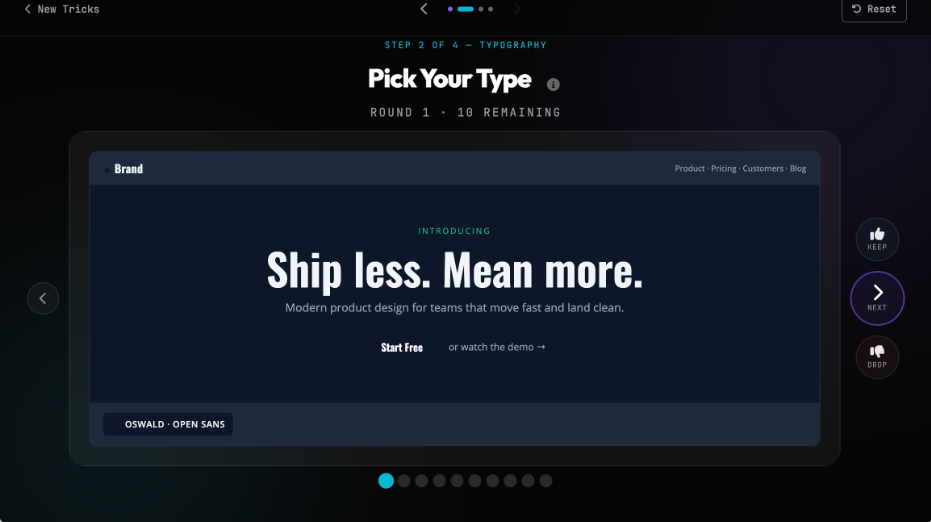
Step 2 of 6 — Typography
Pick Your Own Fonts / Skip the tournament
Type any two Google Fonts. Suggestions show as you type, but free text works too.
Live preview
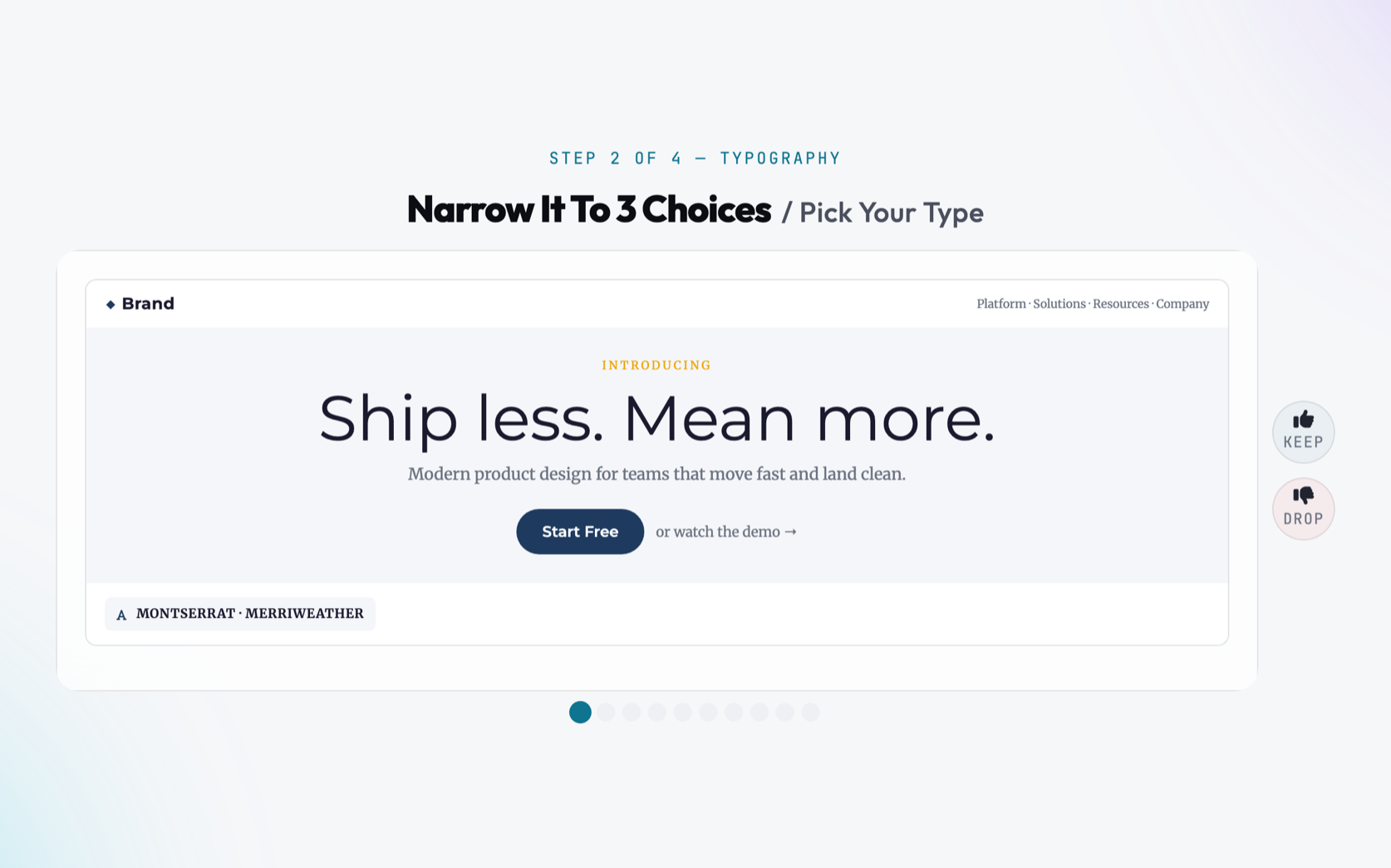
Step 2 of 6 — Typography
Narrow It To 3 Choices / Pick Your Type
Everything eliminated!
Pick Your Type
Finalist 1 of 3
Select your winner to continue
Step 2 of 6 — Typography
King of the Hill/ Last One Standing
Round 1
First up
VS
Challenger
← keep left · → keep right · Z to undo
Last one standing
This is the one you liked the most.
You ran – duels to get here.
Step 2 of 6 — Fonts
Every Pairing, One Screen
Click the one you want. No elimination, no duels.
Step 3 of 6 — UI Style
Narrow It To 3 Choices / How does it feel?
Everything eliminated!
Pick Your UI Style
Finalist 1 of 3
Select your winner to continue
Step 3 of 6 — UI Style
King of the Hill/ Last One Standing
Round 1
First up
VS
Challenger
← keep left · → keep right · Z to undo
Last one standing
This is the one you liked the most.
You ran – duels to get here.
Step 3 of 6 — UI Style
Every Style, One Screen
Click the one you want. No elimination, no duels.
Step 4 of 6 — Navigation Architecture
Narrow It To 3 Choices / How do people explore?
Everything eliminated!
Pick Your Navigation Style
Finalist 1 of 3
Select your winner to continue
Step 4 of 6 — Navigation Architecture
King of the Hill/ Last One Standing
Round 1
First up
VS
Challenger
← keep left · → keep right · Z to undo
Last one standing
This is the one you liked the most.
You ran – duels to get here.
Step 4 of 6 — Navigation Architecture
Every Navigation Archetype, One Screen
Click the one you want. No elimination, no duels.
Step 5 of 6 — Photography
Narrow It To 3 Choices / Set the Scene
Everything eliminated!
Set the Scene
Finalist 1 of 3
Select your winner to continue
Step 5 of 6 — Photography
King of the Hill/ Last One Standing
Round 1
First up
VS
Challenger
← keep left · → keep right · Z to undo
Last one standing
This is the one you liked the most.
You ran – duels to get here.
Step 5 of 6 — Photography
Every Direction, One Screen
Click the one you want. No elimination, no duels.
Step 6 of 6 — Publication & Content Engine
Narrow It To 3 Choices / How do you share insights & stories?
Everything eliminated!
Pick Your Content Layout
Finalist 1 of 3
Select your winner to continue
Step 6 of 6 — Publication & Content Engine
King of the Hill/ Last One Standing
Round 1
First up
VS
Challenger
← keep left · → keep right · Z to undo
Last one standing
This is the one you liked the most.
You ran – duels to get here.
Step 6 of 6 — Content & Blog Architecture
Every Article Layout, One Screen
Click the one you want. No elimination, no duels.
Preview
See It Live
Your palette, typography, UI style, navigation, photography, and blog layout — in context.
app.yourbrand.com
Desktop
Mobile
Or re-run a step
Make It Yours
Click any part of the preview to change it. Our suggestions come first — anything goes after that.
You're looking at a look someone shared.
app.yourbrand.com
Your Blueprint
The Deal is Done
Export options
Blueprint Pro
Export
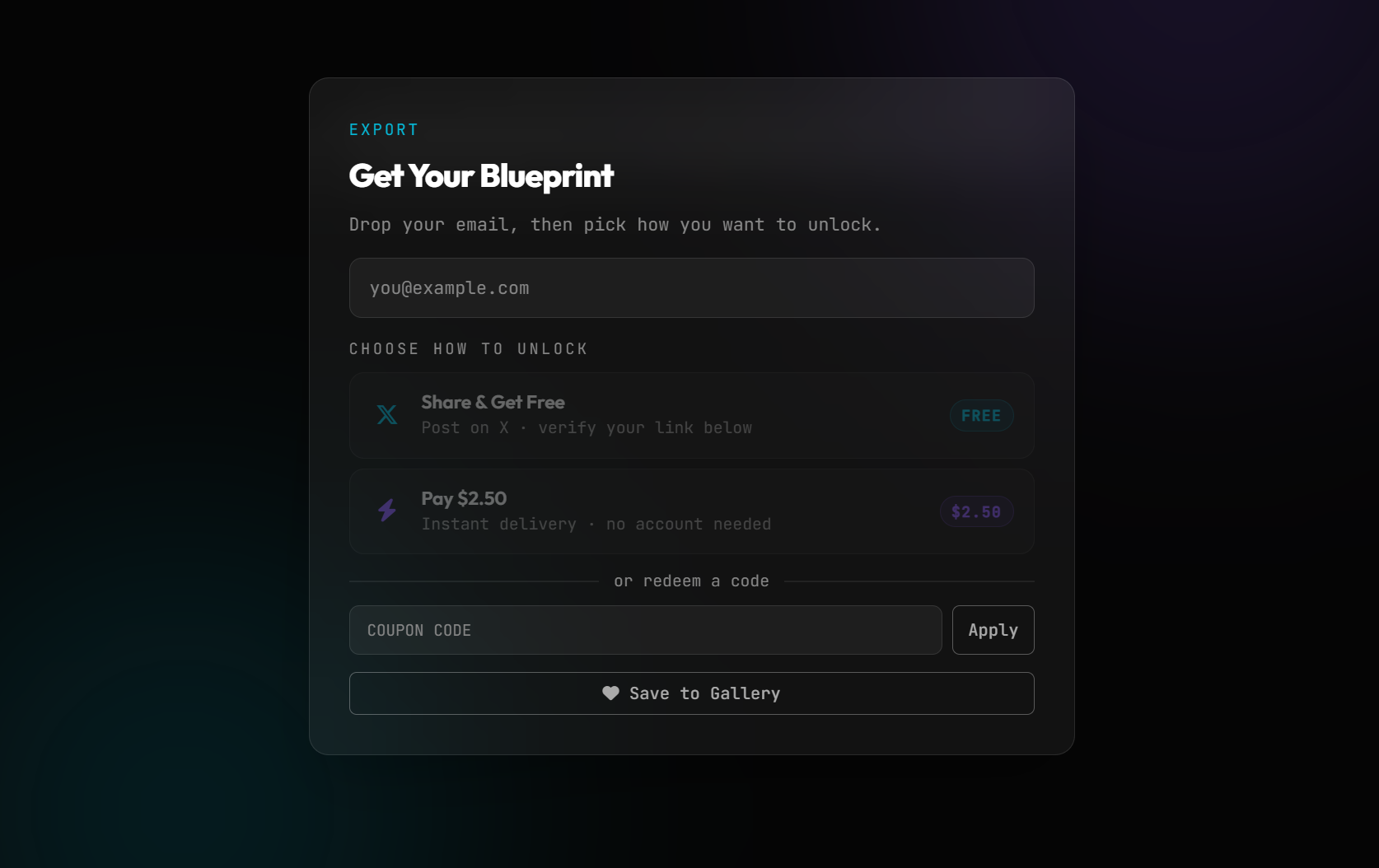
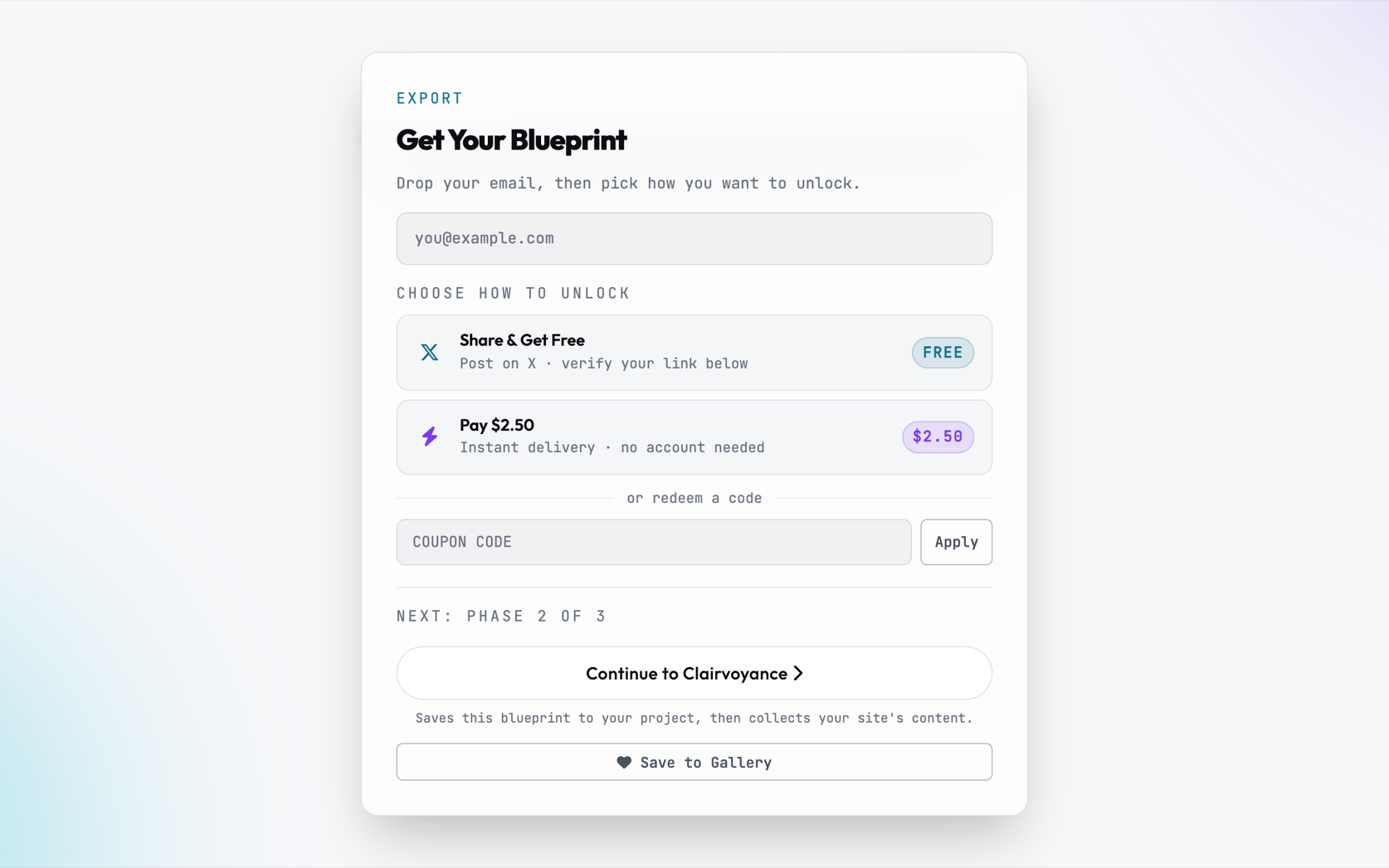
Get Your Blueprint
Save this for free at the bottom to continue to Step 2: Create Content (Clairvoyance), or drop your email below to unlock your blueprint download.
We hate spam too. We never sell your info.Privacy · Terms
Choose how to unlock
Tweet about your design, paste the post URL to verify.
or redeem a code
Next: Step 2 of 3
Saves this blueprint to your project, then collects your site's content.
About this step
Step
Pro Tip • Brand Identity
Want to drop in your logo first?
Live site mockups look 10x better with your real logo! Drop your brand mark below to preview your website with authentic headers and navigation from day one, or skip to start with a placeholder.
RecommendedSVG VectorInfinite sharpness with native transparency
GreatTransparent PNGHigh resolution with clean alpha blending
Auto-ConvertedAI, EPS & PDFAutomatically rendered into transparent artwork
Drag & drop your logo here, or browse
Supports SVG, PNG, WebP, AI, EPS, or PDF (up to 10MB)
SVG format detected — perfect native transparency.
Solid Background Detected
A logo with a solid background appears as an uncropped solid box on navigation bars and dark themes. An SVG or transparent PNG will look so much crisper!